
metadata
tags:
  - text-to-image
  - stable-diffusion
  - lora
  - diffusers
  - template:sd-lora
widget:
  - text: A dog  in the PaperCutout style
    parameters:
      negative_prompt: blurry, grainy, unfocused, nsfw, nude, naked
    output:
      url: images/sdxl-PaperCutouts-Dreambooh_20231117225414_e000005_01_7777.png
  - text: A photo of Gal Gadot as wonderwoman PaperCutout style
    parameters:
      negative_prompt: blurry, grainy, unfocused, nsfw, nude, naked
    output:
      url: images/sdxl-PaperCutouts-Dreambooh_20231117225404_e000005_00_7777.png
  - text: The girl with a pearl earring  PaperCutout style
    parameters:
      negative_prompt: blurry, grainy, unfocused
    output:
      url: images/sdxl-PaperCutouts-Dreambooh_20231117225424_e000005_02.png
  - text: A crazy clown  PaperCutout style
    parameters:
      negative_prompt: blurry, grainy, unfocused
    output:
      url: images/sdxl-PaperCutouts-Dreambooh_20231117225435_e000005_03_7777.png
  - text: Elsa from frozen, Disney style  PaperCutout style
    parameters:
      negative_prompt: blurry, grainy, unfocused
    output:
      url: images/sdxl-PaperCutouts-Dreambooh_20231117225450_e000005_04_7777.png
  - text: Elsa from frozen, Disney style  PaperCutout style
    parameters:
      negative_prompt: blurry, grainy, unfocused
    output:
      url: images/sdxl-PaperCutouts-Dreambooh_20231117225501_e000005_05_7777.png
base_model: stabilityai/stable-diffusion-xl-base-1.0
instance_prompt: PaperCutout style
license: mit
datasets:
  - Norod78/PaperCutoutStyle
Paper Cutout style (SDXL Dreambooth LoRA)
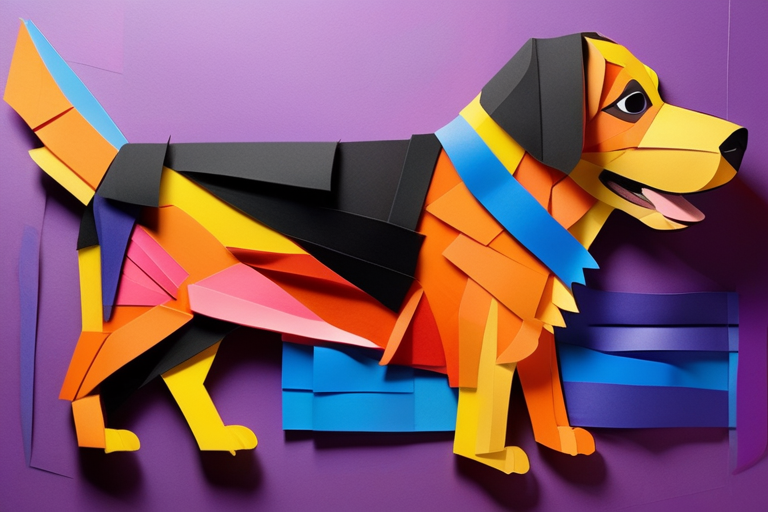
- Prompt
- A dog in the PaperCutout style
- Negative Prompt
- blurry, grainy, unfocused, nsfw, nude, naked

- Prompt
- A photo of Gal Gadot as wonderwoman PaperCutout style
- Negative Prompt
- blurry, grainy, unfocused, nsfw, nude, naked
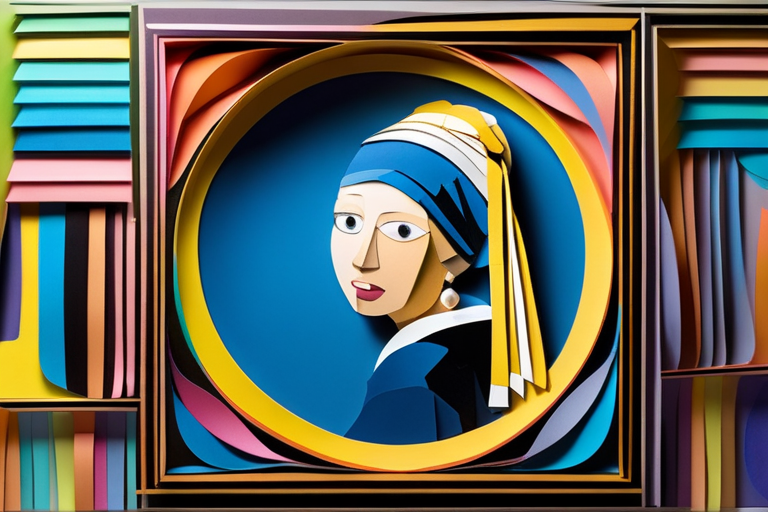
- Prompt
- The girl with a pearl earring PaperCutout style
- Negative Prompt
- blurry, grainy, unfocused
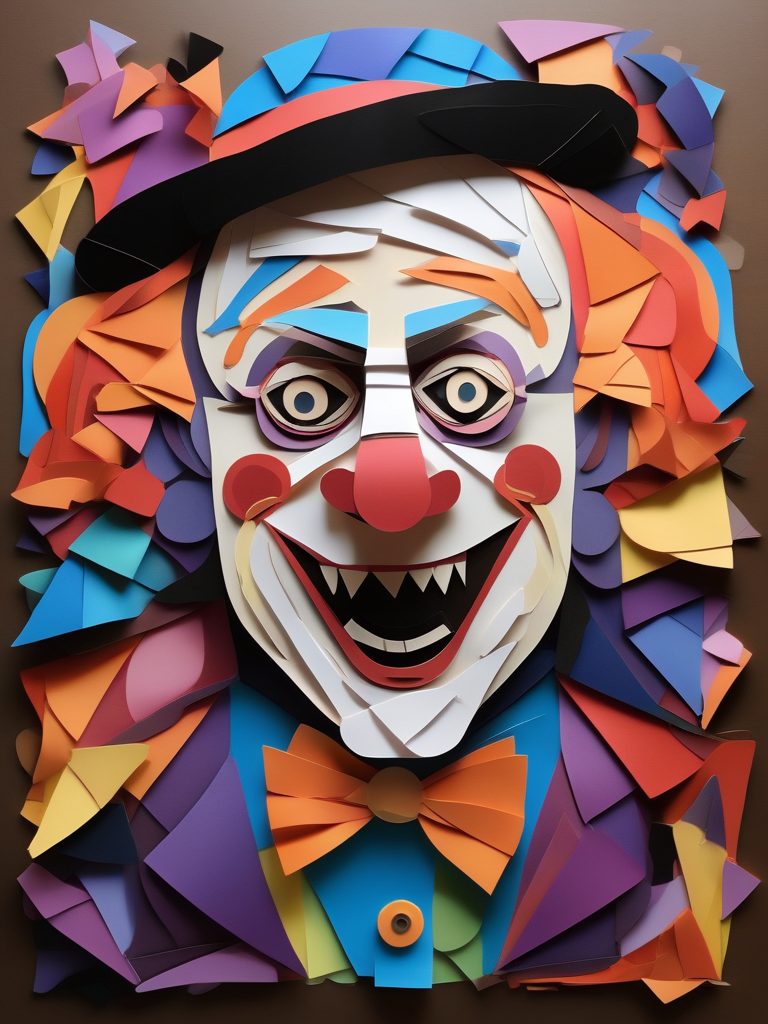
- Prompt
- A crazy clown PaperCutout style
- Negative Prompt
- blurry, grainy, unfocused
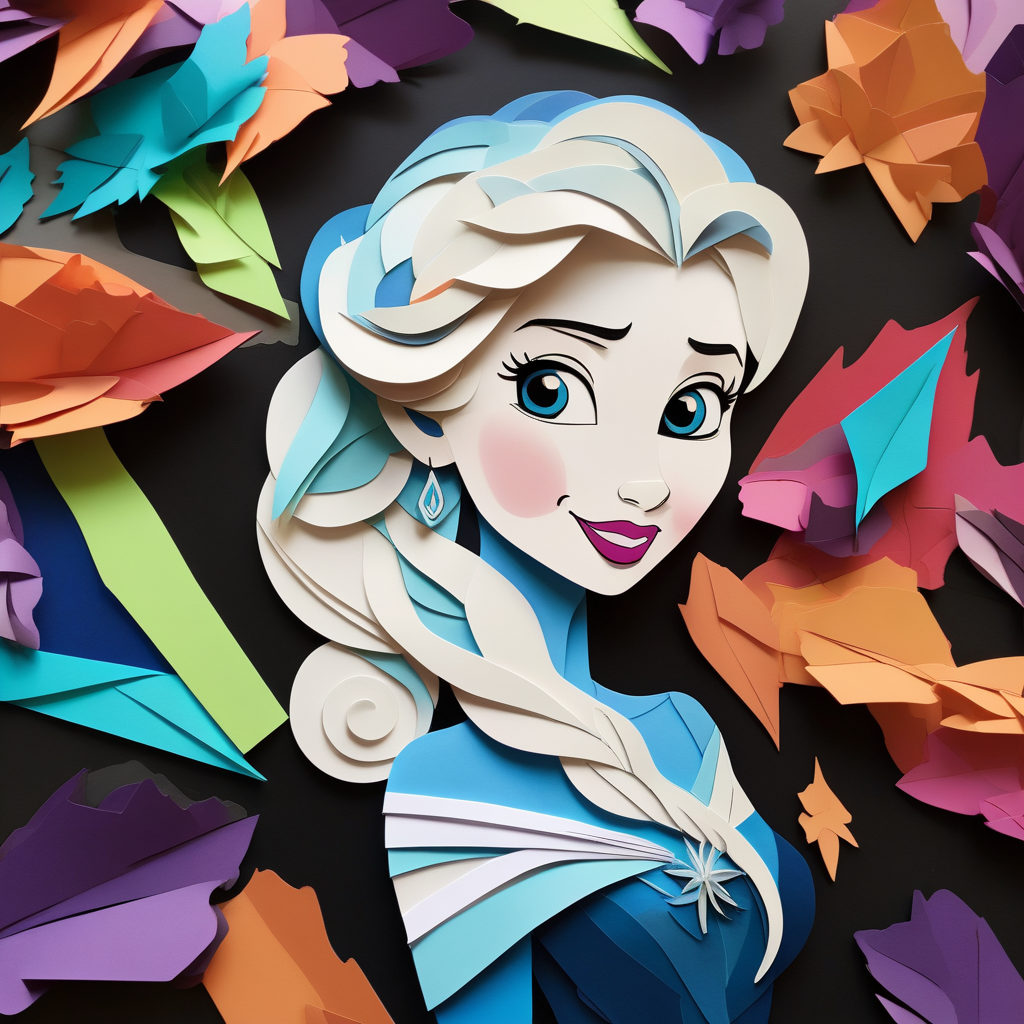
- Prompt
- Elsa from frozen, Disney style PaperCutout style
- Negative Prompt
- blurry, grainy, unfocused
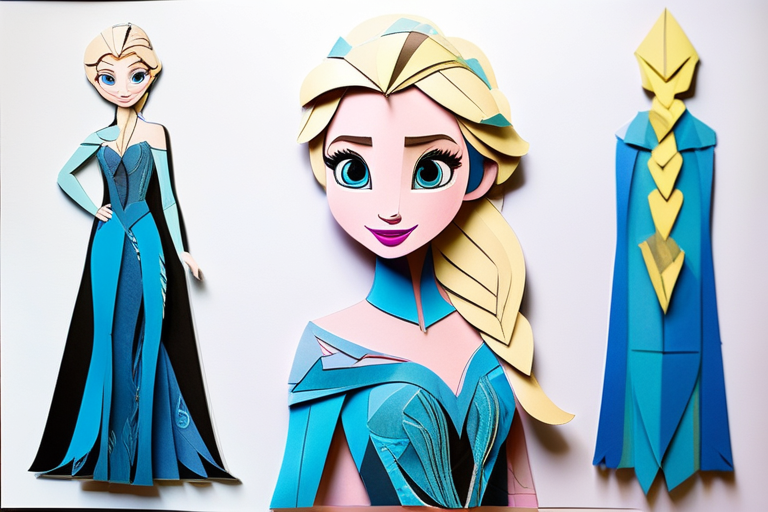
- Prompt
- Elsa from frozen, Disney style PaperCutout style
- Negative Prompt
- blurry, grainy, unfocused
Model description
Just experimenting with Dreambooth LoRA training. Dataset was only 14 images generated with MidJourney. Trigger phrase is "PaperCutout style"
Trigger words
You should use PaperCutout style to trigger the image generation.
Dataset
Dataset images were generated with Midjourney and are available here
Training config
Used kohya_ss with this config
Download model
Weights for this model are available in Safetensors format.
Download them in the Files & versions tab.